Can Security Camera Cloud Storage Make Video Surveillance More Flexible and Reliable?
What happens if a security camera records an important event but the footage is lost because the device is damaged, stolen, or runs out of local storage? That question is one reason more homes and businesses are turning to security cameras. Instead of keeping recordings only on an SD card, DVR, or NVR, cloud storage allows footage to be uploaded to a secure remote server where it can be accessed, managed, and reviewed from almost anywhere.For many users, cloud storage is not just about convenience. It can improve backup protection, simplify remote access, reduce on-site hardware dependence, and support modern surveillance systems that need flexibility across multiple locations. Whether you manage a home camera, office system, or multi-site commercial setup, understanding how cloud storage works can help you choose the right surveillance strategy.
What Is Security Camera Cloud Storage?
Security camera cloud storage is a system that stores surveillance video recordings on remote internet-based servers instead of relying only on physical local devices such as SD cards, hard drives, or DVR/NVR units.When a camera captures video, the footage can be:
- Uploaded continuously to the cloud
- Saved only when motion or events are detected
- Stored temporarily on-site and backed up to the cloud
- Accessed later through a mobile app, web portal, or monitoring dashboard
This means users do not have to be physically near the recorder to review video. As long as the system has internet connectivity and proper permissions, footage can often be viewed from a phone, tablet, or desktop browser.
Why Cloud Storage Has Become So Popular in Surveillance
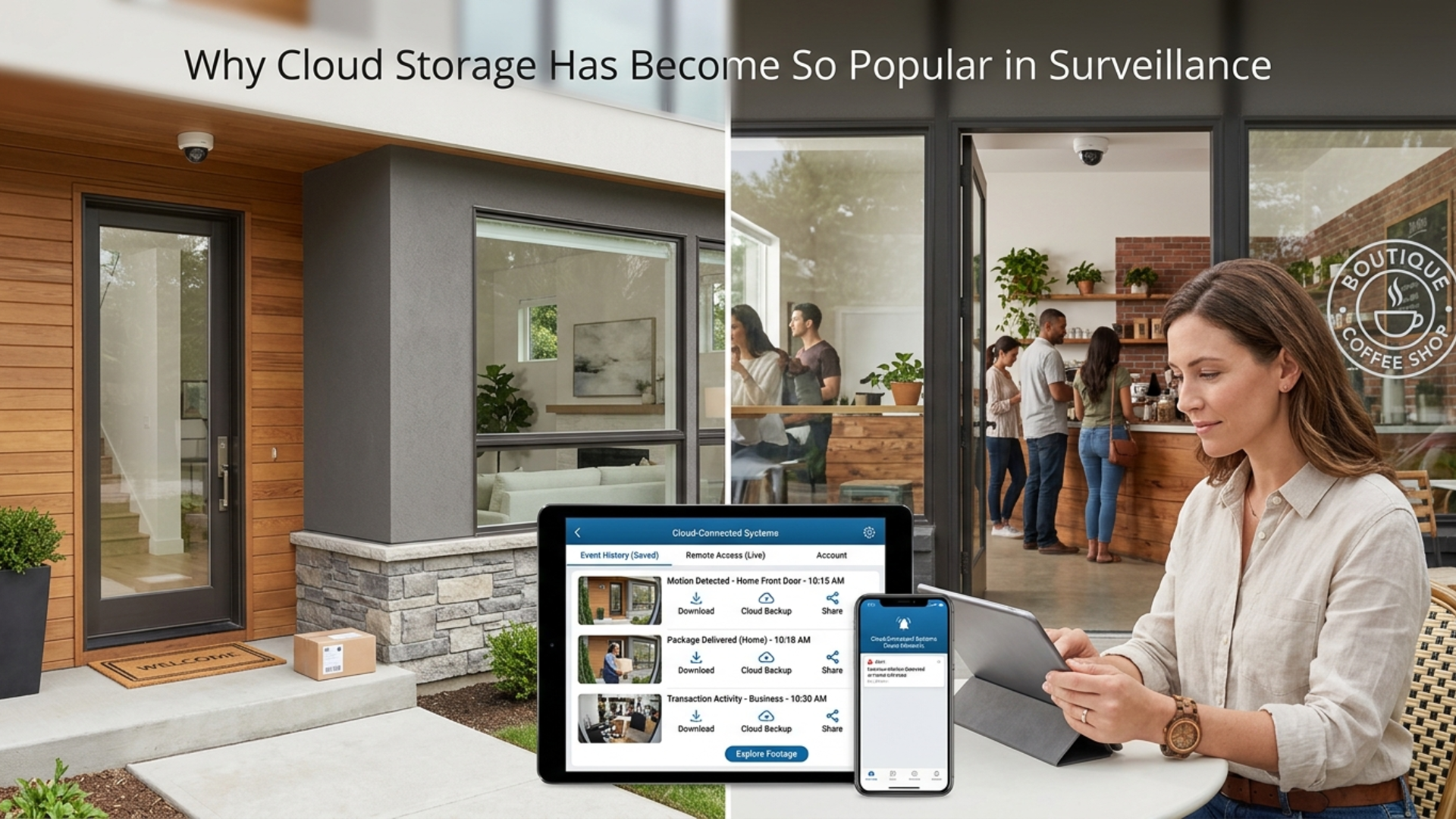
Traditional recording methods still work well in many cases, but cloud storage has become increasingly popular because it solves several common surveillance challenges.
It Protects Footage from On-Site Loss
If a recorder is damaged, stolen, or tampered with, cloud backups may still preserve important footage.
It Simplifies Remote Access
Users can review video from home, work, or while traveling without needing direct access to an on-site recorder.
It Reduces Hardware Dependence
Cloud systems can lower the need for large local storage devices, especially in smaller or distributed setups.
It Supports Multi-Site Management
Businesses with several locations can often review footage from different cameras within one central platform.
It Fits Modern App-Based Security Systems
Many smart home and business camera platforms are designed around cloud-first storage and remote monitoring.These benefits are why cloud storage is now a core part of many surveillance strategies rather than just an optional add-on.
Key Benefits of Security Camera Cloud Storage
Choosing cloud storage is not only about where the footage sits. It also affects how easy the system is to manage and how well it supports security goals.
Better Backup Protection
Cloud copies help protect important recordings from theft, damage, or accidental deletion on local devices.
Easier Remote Monitoring
Users can review live or recorded footage from multiple devices without returning to the property.
Faster Sharing and Review
Footage can often be downloaded or shared more easily for investigations, internal review, or law enforcement support.
Flexible Retention Options
Some plans allow different storage durations depending on whether you need a few days of clips or long-term retention.
Cleaner Hardware Setup
For small businesses or homes, cloud recording can reduce the need for bulky on-site recorders and manual backup routines.A modern cloud security system often uses these benefits to create a more connected, easier-to-manage surveillance experience.
How Security Camera Cloud Storage Works
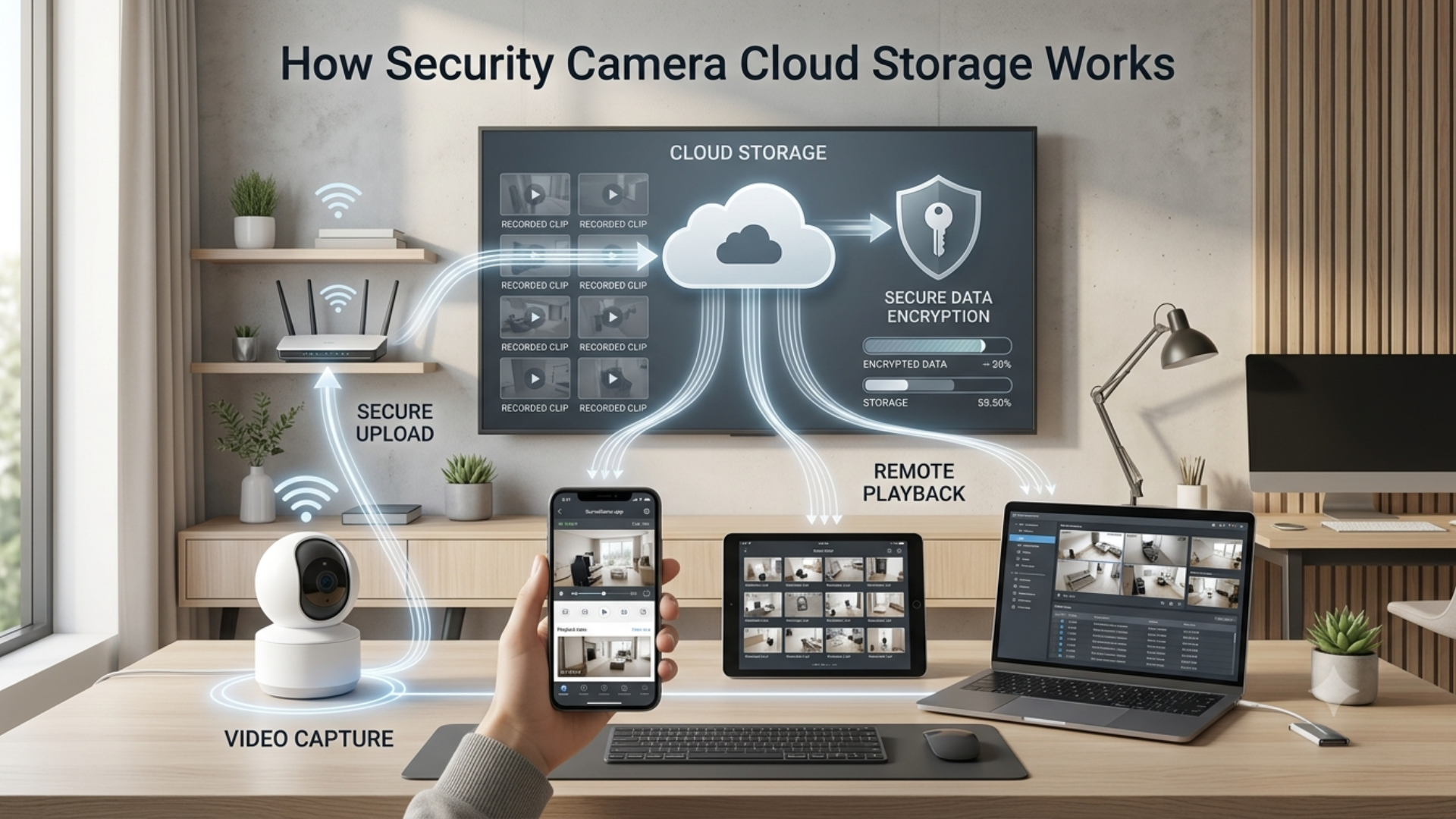
At a basic level, cloud storage follows a straightforward process:
1. Video Is Captured by the Camera
The camera records either continuously or based on motion, schedules, or event triggers.
2. Footage Is Sent Through the Internet
Video is encrypted and transmitted to a remote cloud server managed by the provider or platform.
3. The Footage Is Stored in an Online Account
Users can access recordings through an app or browser, depending on their permissions and subscription plan.
4. Alerts and Playback Are Linked to the Stored Video
When an event occurs, the system may send an alert and allow the user to review the related clip instantly.In many cases, cloud recording works best when paired with a strong internet connection and properly configured upload settings.
What to Consider Before Choosing a Cloud Storage Plan
Cloud storage can be highly useful, but it is not automatically the best fit for every surveillance setup. Before choosing a platform, it helps to compare a few practical factors.
Storage Retention
How long does the provider keep footage 7 days, 30 days, 90 days, or more? Retention needs vary depending on the property and the reason for recording.
Video Quality and Upload Limits
Higher-resolution video creates larger files. Make sure the system can handle the quality you need without overwhelming your network.
Subscription Costs
Many providers charge monthly or annual fees based on camera count, storage duration, or advanced features.
Privacy and Security Controls
Check whether the platform offers encryption, access permissions, two-factor authentication, and audit visibility.
Internet Reliability
If upload speeds are unstable, cloud recording performance may suffer. Some systems work best with hybrid local-plus-cloud setups.
Access and Sharing Permissions
If multiple staff members, family members, or departments need access, user management should be simple and secure.
Cloud Storage vs Local Storage: Which Is Better?
The right answer depends on your priorities.
Cloud Storage May Be Better If You Want:
- Easy remote access
- Off-site backup protection
- Multi-location visibility
- Minimal on-site hardware
- Simple app-based playback
Local Storage May Be Better If You Want:
- No recurring subscription fees
- Full control over on-site recordings
- Less dependence on internet upload speeds
- High-capacity continuous recording for large systems
In practice, many businesses and larger properties choose hybrid systems that combine local recording with cloud-based video surveillance backup for added flexibility and redundancy.
Common Challenges to Keep in Mind
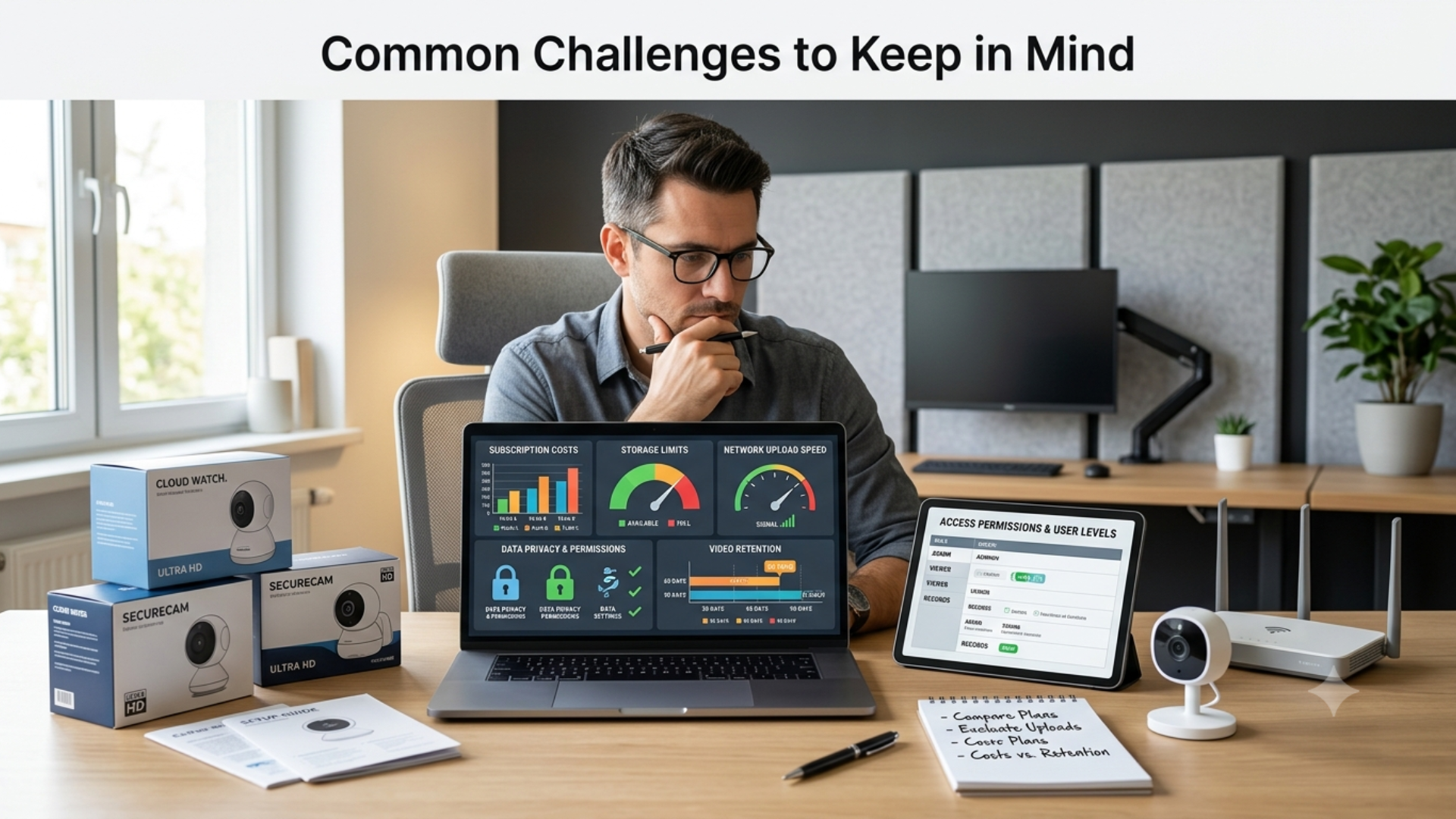
Cloud storage offers real benefits, but there are trade-offs to understand.
Ongoing Costs
Subscription fees can add up, especially for businesses with many cameras.
Bandwidth Usage
Continuous cloud uploads may place demands on internet connections, particularly with high-resolution video.
Provider Dependence
Users rely on the cloud provider’s platform, uptime, pricing structure, and storage policies.
Data Governance Questions
Organizations may need to think carefully about where footage is stored, how long it is kept, and who can access it.
How to Choose the Right Cloud Storage Setup
Before selecting a solution, ask these questions:
- How many cameras will be recording?
- Do I need continuous recording or event-based clips?
- How long do I need to retain footage?
- Will multiple people need access to the recordings?
- Is the internet connection strong enough for cloud uploads?
- Would a hybrid cloud-and-local system make more sense?
The best option is the one that matches your property size, monitoring habits, and storage priorities.
You can also watch: VideoraIQ: Transforming Surveillance with AI-Powered Video Intelligence
Summary
Security camera cloud storage gives users a more flexible way to store, access, and protect surveillance footage. It can improve backup protection, simplify remote monitoring, reduce dependence on on-site hardware, and support modern multi-location security systems. For many homes and businesses, it is a practical upgrade especially when chosen with the right retention, security, and connectivity needs in mind.
FAQ
Is cloud storage better than local storage for security cameras?
It depends on your needs. Cloud storage is great for remote access and off-site backup, while local storage may be better for users who want to avoid subscription fees or rely less on internet uploads.
Do security cameras need the internet to use cloud storage?
Yes. Cameras generally need internet access to upload footage to the cloud and allow remote viewing.
Is cloud security camera footage safe?
It can be, provided the platform uses encryption, secure login controls, and good account management practices.
Can businesses use cloud storage for multiple locations?
Yes. One of the biggest advantages of cloud surveillance is centralized access across multiple sites.
Can I use both cloud and local recording together?
Yes. Many systems support hybrid setups, which can provide both local storage and off-site backup.
