Can Office Security Cameras Improve Workplace Safety and Daily Oversight?
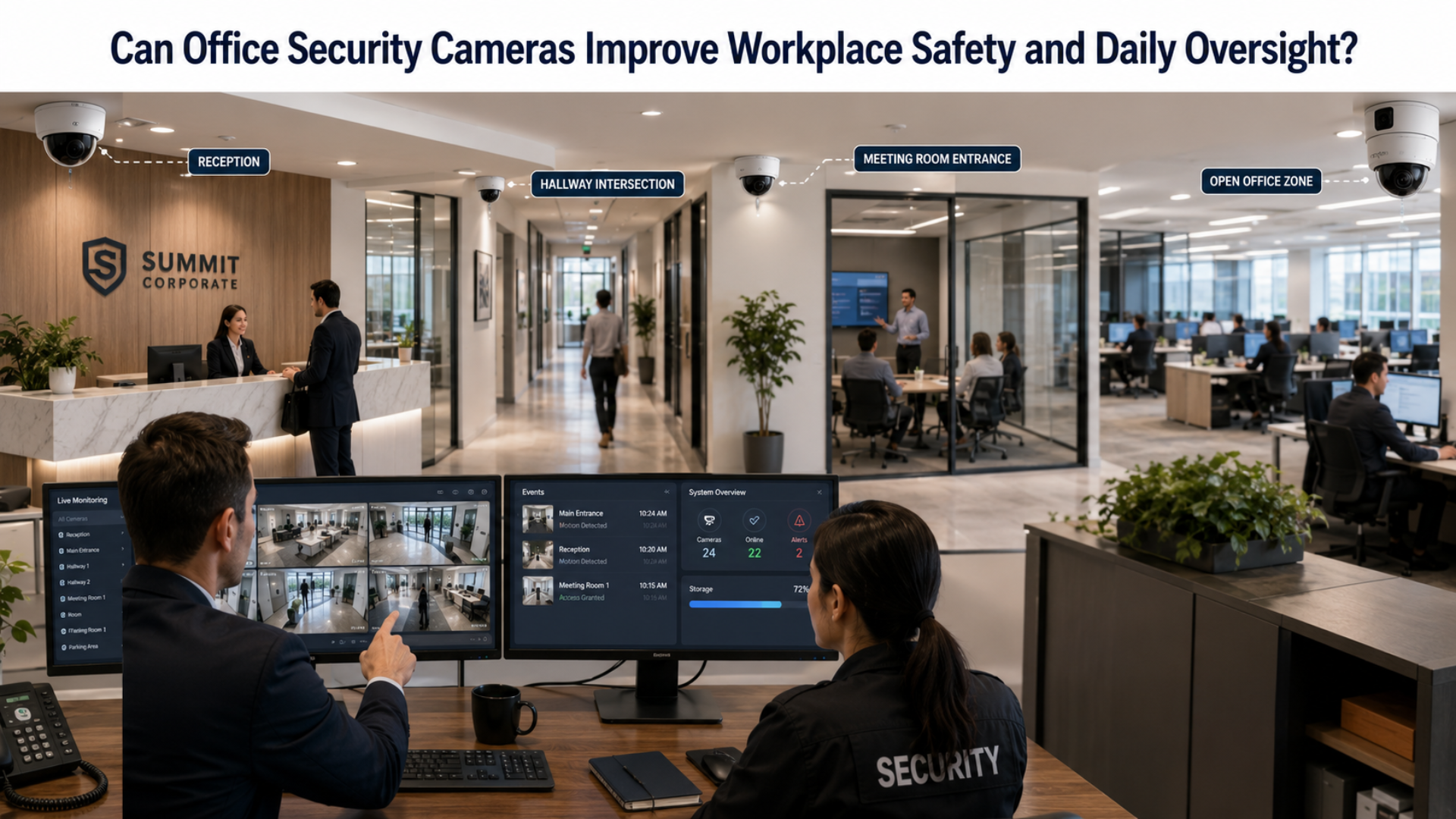
How can businesses create a safer office without making the workplace feel intrusive? The answer often starts with better visibility. Office security cameras help organizations monitor entrances, protect assets, support employee safety, and improve awareness across shared spaces. They can also help managers investigate incidents, monitor after-hours activity, and maintain stronger control over access points.Today’s office surveillance systems are no longer just passive recording tools. They can integrate with alerts, remote access, access control, and even analytics features that help businesses understand movement and activity inside the workplace. For offices of all sizes, that makes camera systems a practical investment in both safety and day-to-day oversight.
What Are Office Security Cameras?
Office security cameras are surveillance devices installed in workplace environments to monitor activity, improve safety, and record important events. They are commonly used in office buildings, coworking spaces, administrative facilities, and corporate campuses.Depending on the business, these systems may cover:
- Main entrances and exits
- Reception areas
- Hallways and shared spaces
- Parking lots and outdoor entry points
- Server rooms or IT spaces
- Storage rooms and inventory areas
- Restricted offices or executive areas
Modern systems often include remote viewing, motion alerts, cloud or local storage, mobile access, and integration with other business security tools.
Why Offices Install Security Cameras
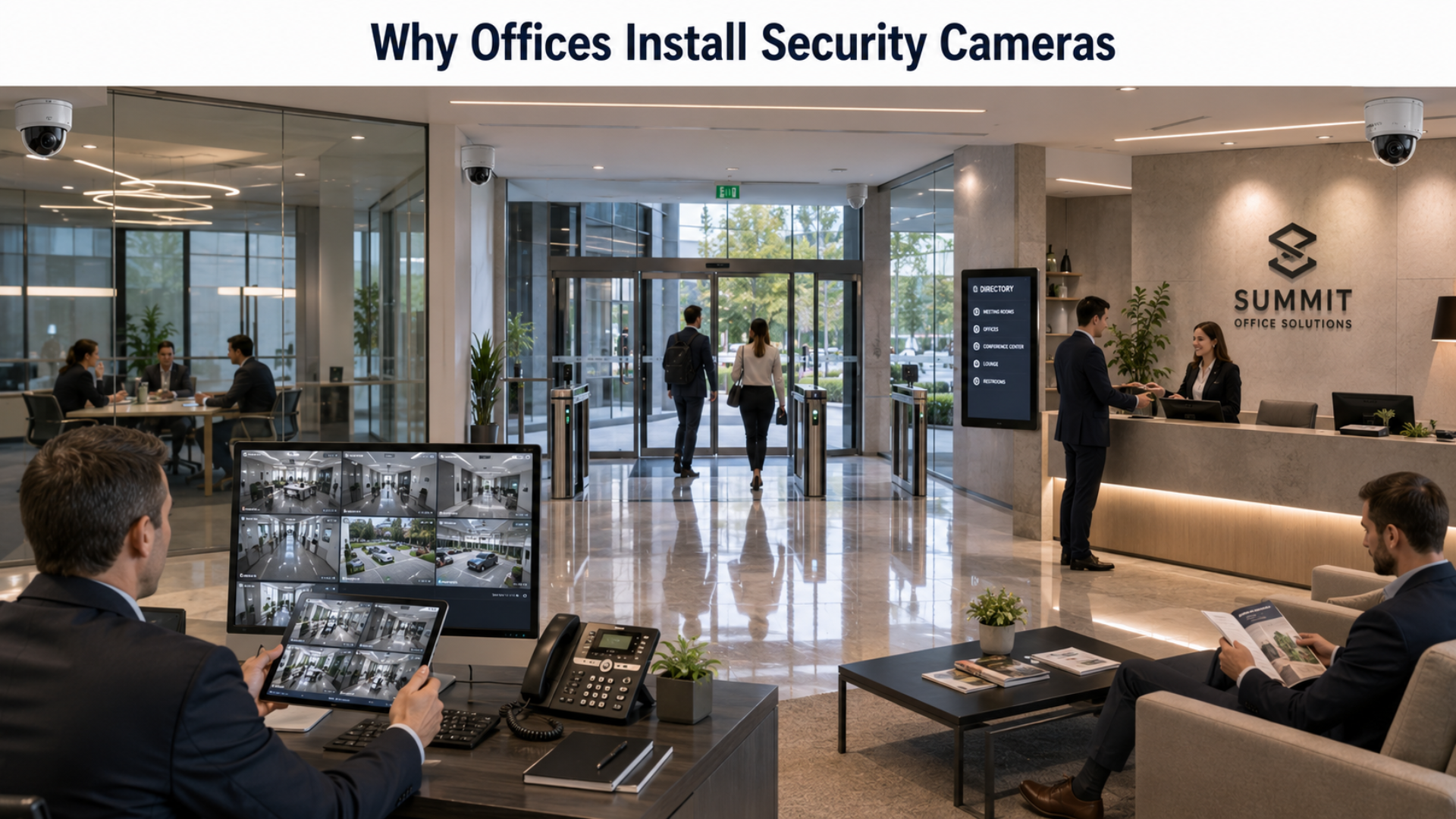
Office environments face a wide range of security and management needs. Some businesses want to prevent unauthorized access, while others need better oversight after hours or stronger documentation when incidents occur.Common reasons offices install cameras include:
- Monitoring who enters and exits the building
- Improving employee and visitor safety
- Protecting company property and equipment
- Reviewing incidents such as theft, disputes, or accidents
- Supporting security teams during after-hours operations
- Maintaining better awareness in multi-floor or multi-room workplaces
For many organizations, surveillance is not about constant oversight of employees. It is about improving safety, visibility, and response when something unexpected happens.
Key Features to Look For in an Office Camera System
Not every office needs the same setup. The best system depends on office size, layout, access requirements, and security priorities. Still, some features matter in almost every workplace.
High-Quality Video
Clear footage is essential for identifying incidents, confirming activity, and reviewing events accurately.
Remote Access
Business owners, office managers, and security teams often need to check live footage or recordings from off-site locations.
Motion Detection and Alerts
Smart alerts can notify teams of movement in restricted areas, after-hours activity, or unusual events.
Indoor and Outdoor Coverage
Most offices need a mix of interior and exterior cameras to monitor entrances, parking areas, and shared spaces.
Secure Storage
Footage should be stored in a way that supports retention needs, user access control, and backup options.
User Permissions
In an office setting, different people may need different levels of camera access. A good system makes permission control simple.Many business surveillance cameras now also include features like activity search, occupancy awareness, and integrations with alarm systems or access control platforms.
Where Office Security Cameras Deliver the Most Value
Cameras can be useful throughout an office, but some locations offer more security value than others.
Entrances and Reception Areas
These areas help businesses track who enters the office, when they arrive, and whether access appears normal.
Hallways and Shared Workspaces
Monitoring these areas improves general visibility while helping teams review incidents involving movement or unauthorized access.
Parking Lots and Building Exteriors
Outdoor coverage helps monitor vehicles, after-hours activity, and visitor entry points.
Server Rooms and Equipment Areas
Sensitive IT or equipment spaces often require stronger oversight because they contain valuable systems and business-critical infrastructure.
Storage Rooms and Supply Areas
Cameras can help reduce internal loss, monitor deliveries, and keep inventory or supplies more secure.
Benefits Beyond Basic Security
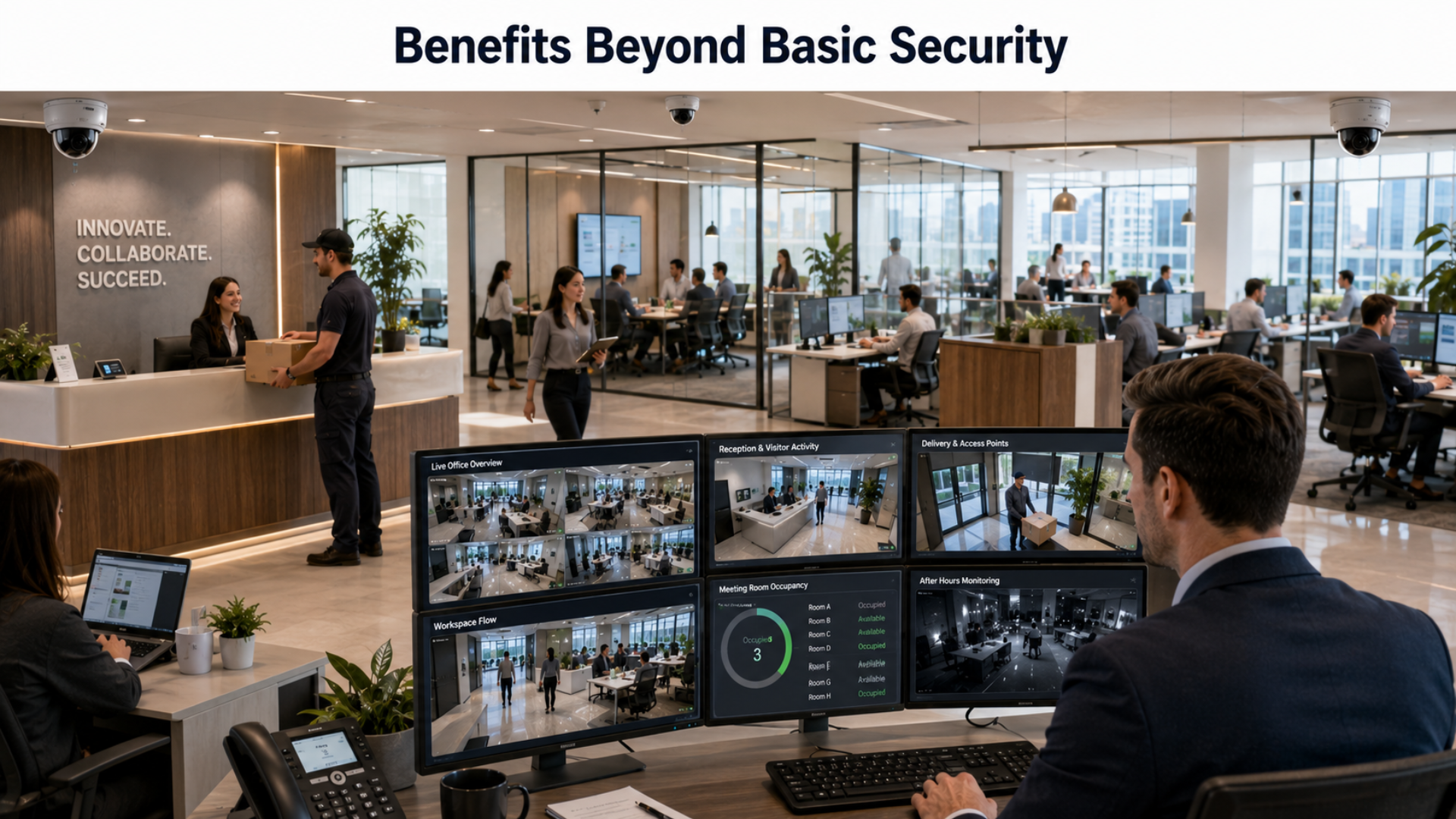
Office camera systems are often installed for protection, but they can support operations in other ways too.Some practical benefits include:
- Verifying deliveries or contractor visits
- Reviewing workplace incidents more accurately
- Monitoring office access outside business hours
- Supporting internal investigations with reliable footage
- Improving awareness in large offices or multi-tenant buildings
- Giving managers confidence when they are off-site
This broader value is why many companies now treat office surveillance as part of a larger workplace operations strategy rather than a simple recording tool.
How New Technology Is Changing Office Surveillance
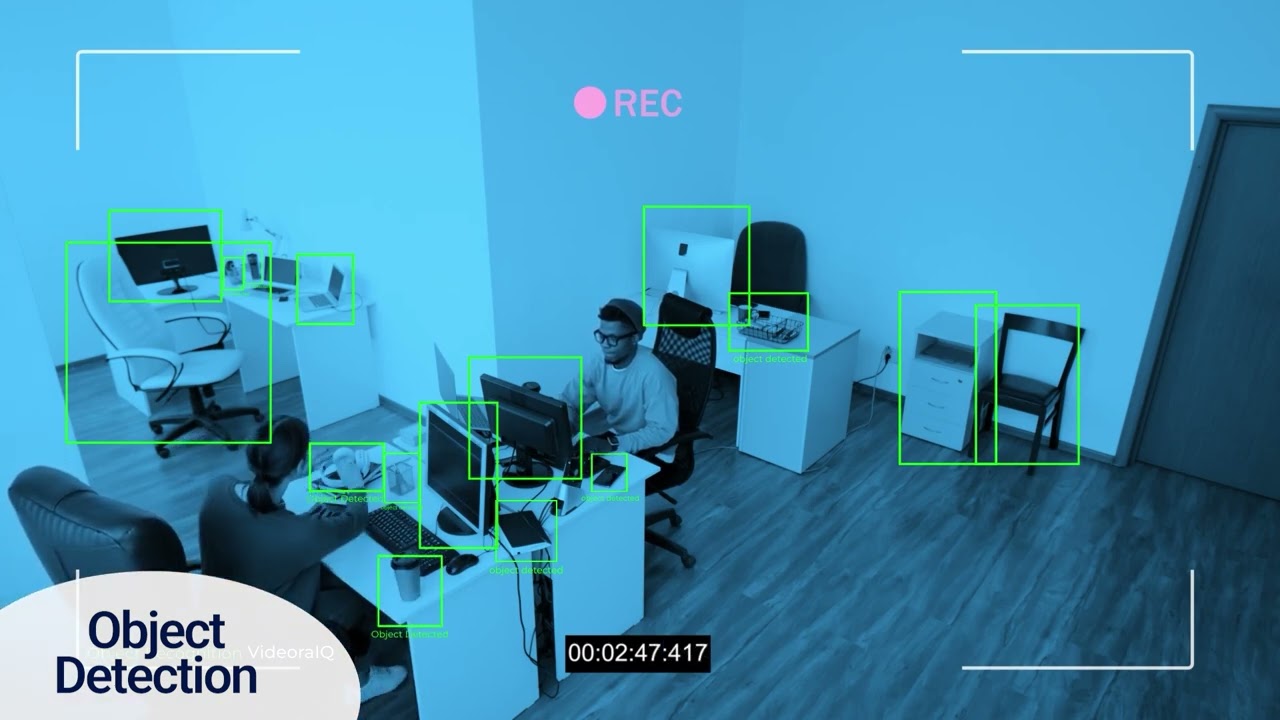
Modern office surveillance systems are becoming smarter and more responsive. Businesses can now add tools such as motion filtering, automated alerts, and event-based search to improve how footage is used.Some advanced systems also incorporate video analytics and facial recognition for access control, visitor identification, occupancy monitoring, or restricted-area monitoring. These tools are typically most relevant in larger offices, enterprise environments, or facilities with strict access requirements.While not every office needs advanced analytics, these features show how surveillance is evolving from passive video recording into a more active security and operational tool.
Important Privacy and Placement Considerations
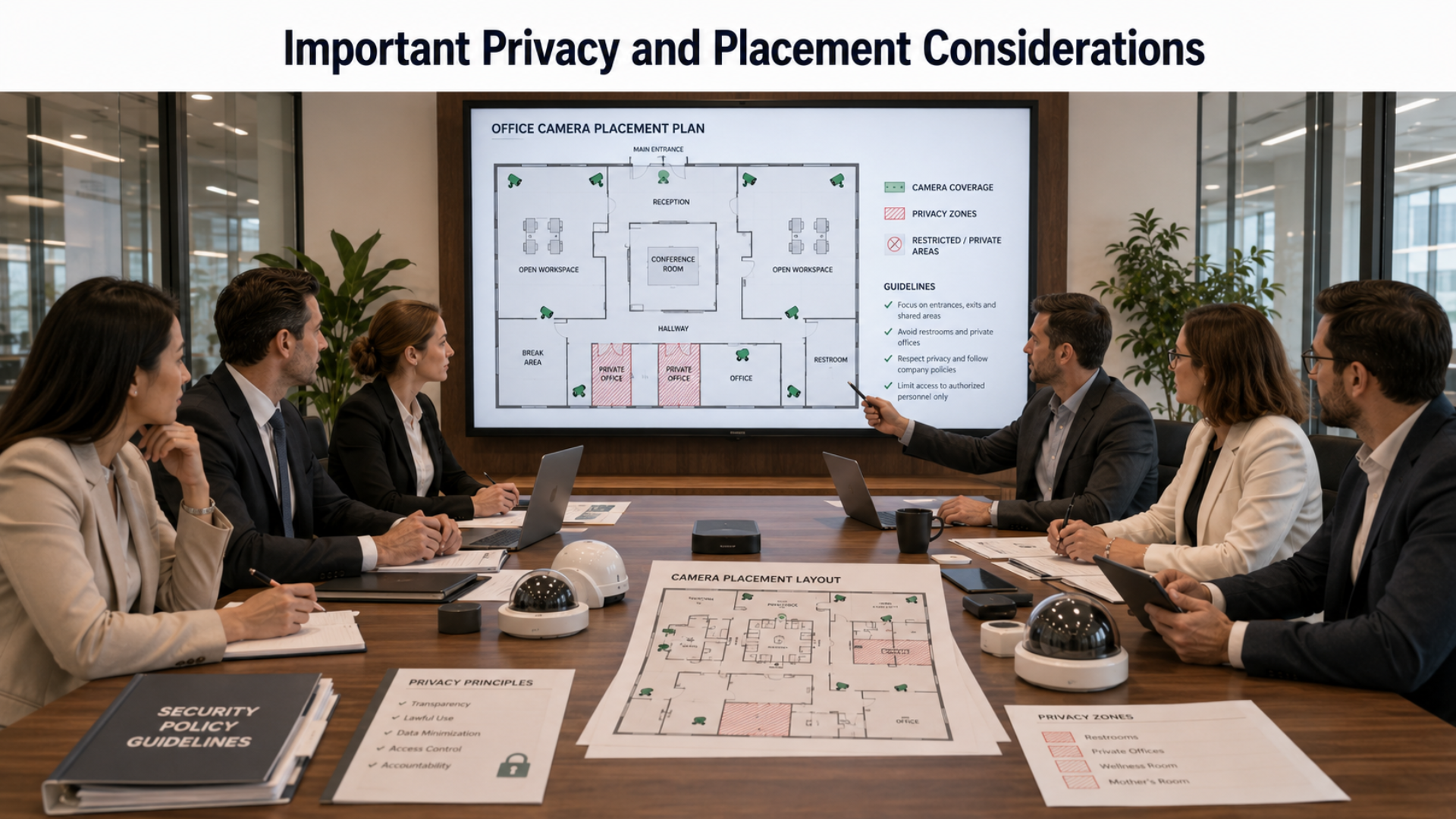
Office surveillance must be implemented thoughtfully. Businesses need to protect the workplace without creating unnecessary discomfort or privacy concerns. Best practices include:
- Be transparent with employees about camera use
- Avoid placing cameras in private spaces such as restrooms or changing areas
- Limit access to footage to authorized personnel only
- Set clear retention and review policies
- Make sure cameras are used for legitimate business and safety purposes
The goal should be visibility and protection, not excessive monitoring.
How to Choose the Right Office Security Camera System
Before buying a system, ask a few practical questions:
- Which areas need monitoring the most?
- Is the office a single site or part of a multi-location business?
- Do you need live alerts or mainly recorded footage?
- Will the system need indoor, outdoor, or mixed coverage?
- Who should have access to the footage?
- Are integrations with access control or alarms important?
Choosing the right system means matching camera coverage and features to your office layout, risk profile, and management needs.
You can also watch: Real-Time AI Object Detection: Optimizing Asset Management | VideoraIQ
Summary
Office security cameras help businesses improve workplace safety, monitor access, protect valuable assets, and review incidents with greater clarity. From reception areas to parking lots and server rooms, the right system can strengthen office security while also supporting daily oversight and operational confidence.
FAQ
Are office security cameras legal in the workplace?
In many places, yes, but businesses must follow local laws and respect privacy expectations. Cameras should not be installed in private areas.
Where should office cameras be installed first?
Start with entrances, reception areas, parking lots, hallways, and any restricted or high-value spaces.
Can office cameras help with employee safety?
Yes. They can improve visibility, support incident investigations, and help monitor after-hours activity or unauthorized access.
Do offices need cloud-based camera systems?
Not always. Some businesses prefer local recording, while others use cloud systems for easier remote access and backup.
Are advanced analytics necessary for office surveillance?
Not for every office. Basic monitoring may be enough for smaller workplaces, while larger offices may benefit from smarter alerts and analytics.
